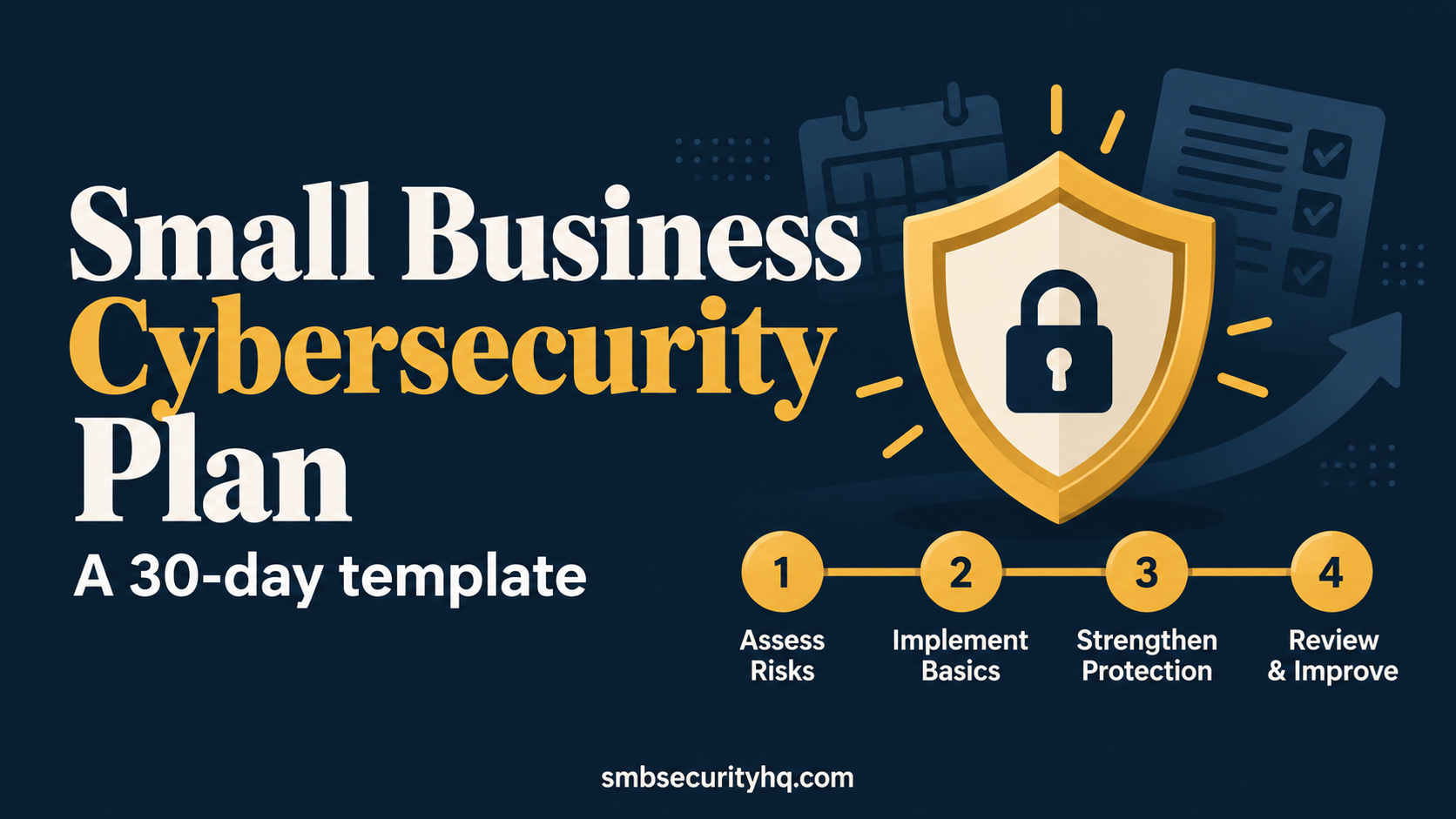

A cybersecurity plan is not a 60-page document. For a small business it is one page that says what you protect, what could go wrong, what you will do about it, who does it and what happens when something breaks. This guide gives you the structure, a week-by-week schedule and a template.
Quick answer: A small business cybersecurity plan lists what you protect, your main risks, the controls you will use, who owns each task and how you will respond to an incident. Build it around NIST’s six functions (Govern, Identify, Protect, Detect, Respond, Recover) and finish it in 30 days: week 1 know and decide, week 2 lock accounts, week 3 protect devices and data, week 4 prepare people and incident response.
Key takeaways
- One page is enough to start. Keep it short enough that people use it.
- Use NIST’s six functions as the headings; they are written for small businesses.
- Do the cheap, high-impact items first: MFA, passwords, patching, backups.
- Name an owner and a date for every action.
- Review quarterly, and after any incident.
On this page: What a plan includes · 30-day schedule · Template · Sample · After 30 days · FAQ
What should a small business cybersecurity plan include?
NIST’s Cybersecurity Framework 2.0 Small Business Quick-Start Guide (Feb 2024) organizes cybersecurity into six functions. We turn each into a question your plan must answer.
| NIST function | Question your plan answers | Typical content |
|---|---|---|
| Govern | Who is responsible, and what are the rules? | Owner, short written policy, review dates |
| Identify | What do we have, and what matters most? | Inventory of devices, software and accounts; list of critical assets |
| Protect | How do we prevent attacks? | MFA, passwords, patching, backups, encryption, antivirus or EDR, training |
| Detect | How will we notice a problem? | Who receives alerts, what is monitored |
| Respond | What do we do when it happens? | One-page incident plan with names and phone numbers |
| Recover | How do we get back to work and learn? | Restore steps, tested backups, after-action notes |
Source: NIST SP 1300. The “typical content” column is our summary.
The 30-day schedule
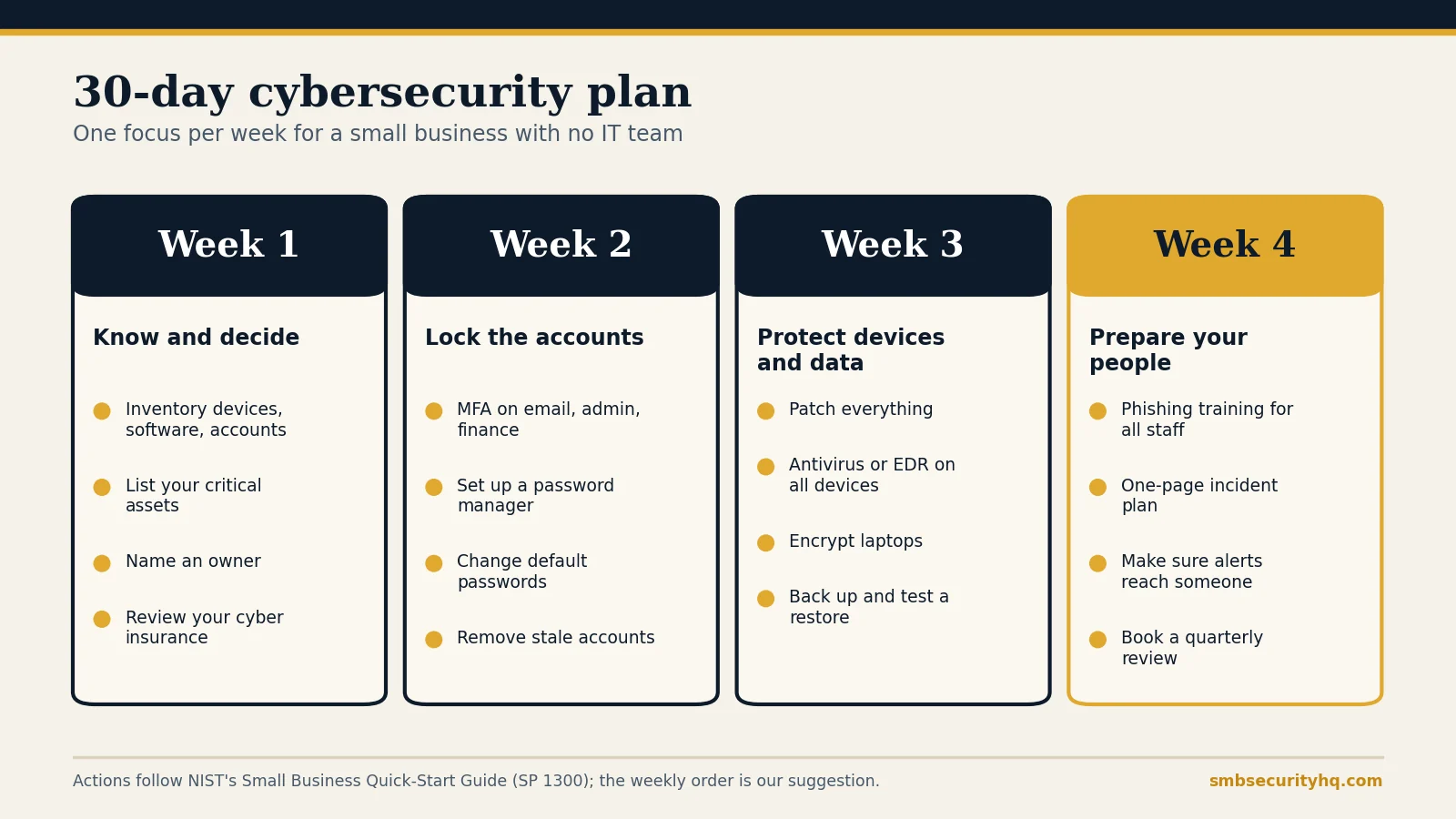
Week 1: Know and decide (Govern, Identify)
- List every computer, phone, server, software subscription and online account, with an owner for each.
- Name the 3 to 5 assets whose loss would stop the business, and where each lives.
- Name one person responsible for security.
- Read your cyber insurance policy, or check what you could get: cyber insurance for small business.
Done when: you have an inventory, a critical-asset list and an owner.
Week 2: Lock the accounts (Protect)
- Turn on enforced MFA for email, admin accounts, finance tools and remote access, then everything else that offers it. See what MFA is.
- Set up a password manager and change default passwords on routers, printers and cameras.
- Remove accounts of former staff and shared logins.
Done when: every account on your inventory has MFA or is on a dated list to fix.
Week 3: Protect devices and data (Protect, Recover)
- Turn on automatic updates for operating systems, browsers and business apps; update router and firewall firmware.
- Install and confirm antivirus or EDR on every device. See endpoint protection vs antivirus.
- Enable full-disk encryption on laptops and tablets.
- Set up backups with one isolated copy and run a restore test. See the 3-2-1 backup rule.
Done when: you have restored a file or system from backup successfully.
Week 4: Prepare your people and your response (Protect, Detect, Respond)
- Run phishing and scam training for everyone and keep the completion list.
- Write a one-page incident response plan: who decides, who to call (IT, insurer, lawyer, bank), first steps. See our incident response plan template.
- Confirm that alerts from your security tools go to a real person.
- Put a quarterly review in the calendar.
Done when: everyone has done the training and the incident plan is on paper where you can find it at 2 a.m.
One-page cybersecurity plan template
Copy this table into a document, fill the right-hand column and review it quarterly. Our security policy generator will draft the written policies for you.
| Section | What to write |
|---|---|
| Business name, date, plan owner | Who is accountable and when the plan was last reviewed |
| What we protect (Identify) | Top 3 to 5 critical assets and where they live |
| Our biggest risks | Phishing, ransomware, lost laptop, supplier breach, others that fit you |
| Accounts and access (Protect) | MFA status, password manager, who has admin rights |
| Devices and software (Protect) | Update schedule, antivirus or EDR product, encryption status |
| Backups (Protect, Recover) | What is backed up, where, how often, date of last restore test |
| People (Protect) | Training dates, who onboards and offboards staff |
| How we find problems (Detect) | Who receives alerts, what is monitored |
| If something goes wrong (Respond) | Decision-maker, phone numbers for IT, insurer, lawyer and bank, first three steps |
| Recovery and review (Recover) | After-action notes, quarterly review dates, next actions with owners and dates |
Sample plan for a 10-person business
This is an illustrative example for a fictional 10-person design agency, not a real company.
| Section | Example entry |
|---|---|
| Owner | Operations manager, reviews on the first Monday of each quarter |
| Critical assets | Client files in cloud storage, accounting system, email |
| Biggest risks | Phishing leading to email takeover; payment-change fraud; a lost laptop |
| Accounts and access | MFA enforced for all staff on email and finance; password manager for everyone; two admins |
| Devices and software | Automatic updates on; EDR on all 12 computers; full-disk encryption on laptops |
| Backups | Cloud backup of all computers plus a monthly offline copy; restore test each quarter |
| People | Phishing training each autumn; offboarding checklist the same day someone leaves |
| Detect | EDR alerts go to the operations manager and the IT contractor |
| Respond | Operations manager decides; call IT contractor, insurer hotline, then the bank if money moved |
| Recover | After-action note within a week of any incident; plan reviewed quarterly |
What should you do after the first 30 days?
- Review quarterly: check that MFA, backups and updates still work, and update the inventory.
- Test the plan with a short tabletop exercise: “What if our email is hacked tomorrow?”
- Check how an insurer would see you with the cyber insurance readiness check.
- Decide whether to outsource monitoring: security services for small business.
- Budget: see how much cybersecurity costs.
Frequently asked questions
How do I create a cybersecurity plan for my small business?
List what you protect and the main risks, choose controls under NIST’s six functions, assign an owner and a date to each action, and write a one-page response plan. The 30-day schedule above does it in four weeks.
What should a small business cybersecurity plan include?
Assets, risks, access controls, device and software protections, backups, training, a way to detect problems, an incident plan and a review schedule.
Is there a free cybersecurity plan template?
Yes. The template table above is free to copy. For written policies, use our policy generator or the Cyber Readiness Institute’s Core Four policy template.
How long does it take to build a plan?
A basic one-page plan can be drafted in a day. Implementing the controls typically takes a few weeks; the schedule above spreads it over 30 days.
How often should I update my plan?
Quarterly, and after any incident, new system or key staff change.
Do I need a security expert?
Not to start. For ongoing leadership or compliance help, see vCISO and consulting costs.