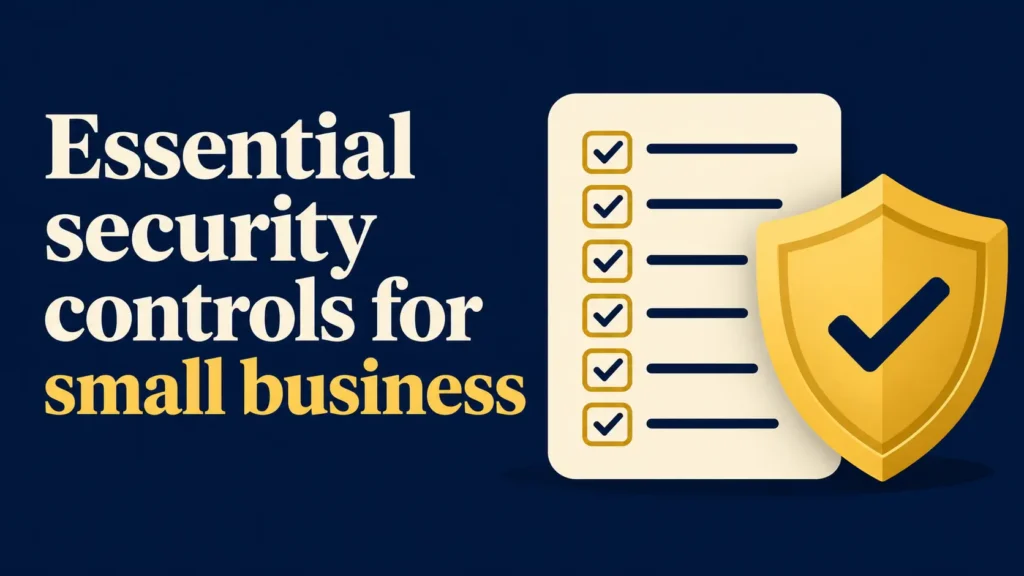

You do not need a big budget to be reasonably safe. You need a short list of controls, done well and in a sensible order. This guide covers that list and links to a deeper page on each one.
Key takeaways
- Controls beat tools. Switching on settings you already pay for does more than buying another product.
- Use a framework. NIST CSF 2.0 gives a free, plain structure that insurers and regulators recognize.
- Order matters. Inventory, MFA, backups and updates come before advanced tools.
- Prove it. Write it down and test it; “we think we do that” does not satisfy an insurer or a regulator.
On this page: Framework · Govern · Identify · Protect · Detect · Respond · Recover · Order · FAQ
What is the best framework for a small business?
NIST published its Cybersecurity Framework (CSF) 2.0 Small Business Quick-Start Guide (SP 1300) in February 2024. It organizes security into six functions and gives each a few “prioritized” actions written for companies without a security team. We use it as the spine of this page because it is free, widely recognized and short.

Govern: who is responsible, and what are the rules?
NIST’s guidance is to manage cybersecurity risk alongside other business risks and to communicate, enforce and maintain policies. In practice:
- Name an owner. One person is accountable for security, even if an outside provider does the work. See cybersecurity consulting and vCISO services.
- Write a short policy covering passwords, devices, email and reporting. Our free security policy generator builds one in minutes.
- Put it in the budget. See how much cybersecurity costs a small business.
Identify: what do you have?
You cannot protect what you cannot list. NIST recommends keeping an inventory of hardware, software, systems and services, and classifying your data by importance.
- List every laptop, phone, server and cloud app, and who uses each.
- Mark where customer, patient, payment and financial data lives.
- Remove accounts and devices nobody uses.
Our 12-step cybersecurity checklist starts here.
Protect: the controls that stop most attacks
Multi-factor authentication (MFA)
NIST’s first Protect action is to require MFA on all accounts that offer it. Start with email and admin accounts. CISA calls phishing-resistant MFA (security keys, passkeys) the gold standard and names app codes and number-matched push as good fallbacks. Details: what is MFA for business.
Strong, unique passwords
Use a password manager so every account has a long, unique password. See the best password manager for business.
Updates and patching
Turn on automatic updates for operating systems, browsers and apps, and replace software that no longer gets security fixes. The Verizon 2026 DBIR attributes 31% of breaches to exploitation of vulnerabilities, so unpatched systems are a leading way in.
Backups you have tested
NIST’s second Protect action is regular backups and testing them. CISA recommends the 3-2-1 approach: three copies, on two types of media, one off-site. Details: data backup strategy and the 3-2-1 rule.
Least privilege
Give people the access their job needs, no more. Use separate admin accounts, and remove access the day someone leaves.
Detect: how will you notice a problem?
NIST recommends antivirus and anti-malware on all business devices and, if you lack the staff, a provider to monitor your systems. Antivirus blocks known malware; EDR records device behavior; MDR adds people who respond. See antivirus vs EDR vs MDR, our best EDR comparison and managed security services.
Also turn on logging and alerts in your email and cloud accounts, and make sure someone reads them.
Respond: what happens when it goes wrong?
NIST’s guidance is to know your incident response plan and who has authority and responsibility, and to contain and eradicate the incident. Write the plan before you need it: use our free incident response plan generator, and read the first-response playbook after a breach. Train staff to spot business email compromise, because payment fraud is a common loss route.
Recover: how do you get back to work?
NIST advises prioritizing recovery actions by business need and checking the integrity of backed-up data before restoring it. Decide in advance which systems come back first, how long you can be offline, and who to call. Cyber insurance can pay for response and recovery costs; see what insurers require.
In what order should you do all this?
- Inventory devices, accounts and data.
- MFA on email and admin accounts.
- Automatic updates and backups (test one restore).
- Endpoint protection on every device.
- Password manager and a short written policy.
- Staff training, including payment-fraud checks: security awareness training.
- Incident response plan and a quarterly review.
Want this as a dated plan? See how to build a security program.
Frequently asked questions
What are the most important cybersecurity controls for a small business?
MFA, tested backups, endpoint protection, automatic updates, staff training and a written incident response plan, plus a basic inventory of what you own.
What is NIST CSF 2.0?
It is a free framework from the U.S. National Institute of Standards and Technology that groups security into six functions: Govern, Identify, Protect, Detect, Respond and Recover. NIST publishes a Small Business Quick-Start Guide for it.
Do small businesses have to follow NIST?
Not by default. Some regulations and contracts point to it, and insurers and customers often view it favorably. Whether any rule applies to you depends on your industry; see our compliance guide.
Do I need a security tool for each control?
No. Many controls are settings in software you already use, such as MFA, updates and email filtering in Microsoft 365 or Google Workspace.
How often should I review my controls?
At least quarterly for access and backups, and after any major change such as a new system, a new hire with admin rights or an incident.
Where do I start if I can only do one thing this week?
Turn on MFA for your email and admin accounts.
Sources
- NIST SP 1300: CSF 2.0 Small Business Quick-Start Guide (Feb 2024)
- CISA: Implementing phishing-resistant MFA
- Verizon 2026 Data Breach Investigations Report
SMB Security HQ provides general information, not legal, financial or professional security advice. See our Affiliate Disclosure and How We Test.