
Key takeaways
- Length beats complexity. NIST bars extra composition rules for systems it covers.
- Stop forced resets. NIST says periodic changes are prohibited for verifiers; change after compromise.
- Use a manager and MFA. NIST says password managers and paste must be allowed.
- Write it down and apply it to everyone.
On this page: What NIST says · Template · Rollout · FAQ
What does current NIST guidance say?

NIST’s rules are written for systems that verify passwords, but they are a sound guide for your own policy. They say single-factor passwords must be at least 15 characters, passwords used only inside multi-factor authentication may be shorter but at least 8, and systems should allow at least 64 characters. They prohibit extra composition rules and periodic password changes, require checking new passwords against lists of common and compromised values, and require allowing password managers and autofill. Your own sign-in systems may not enforce all of this, so set the policy and configure what you can.
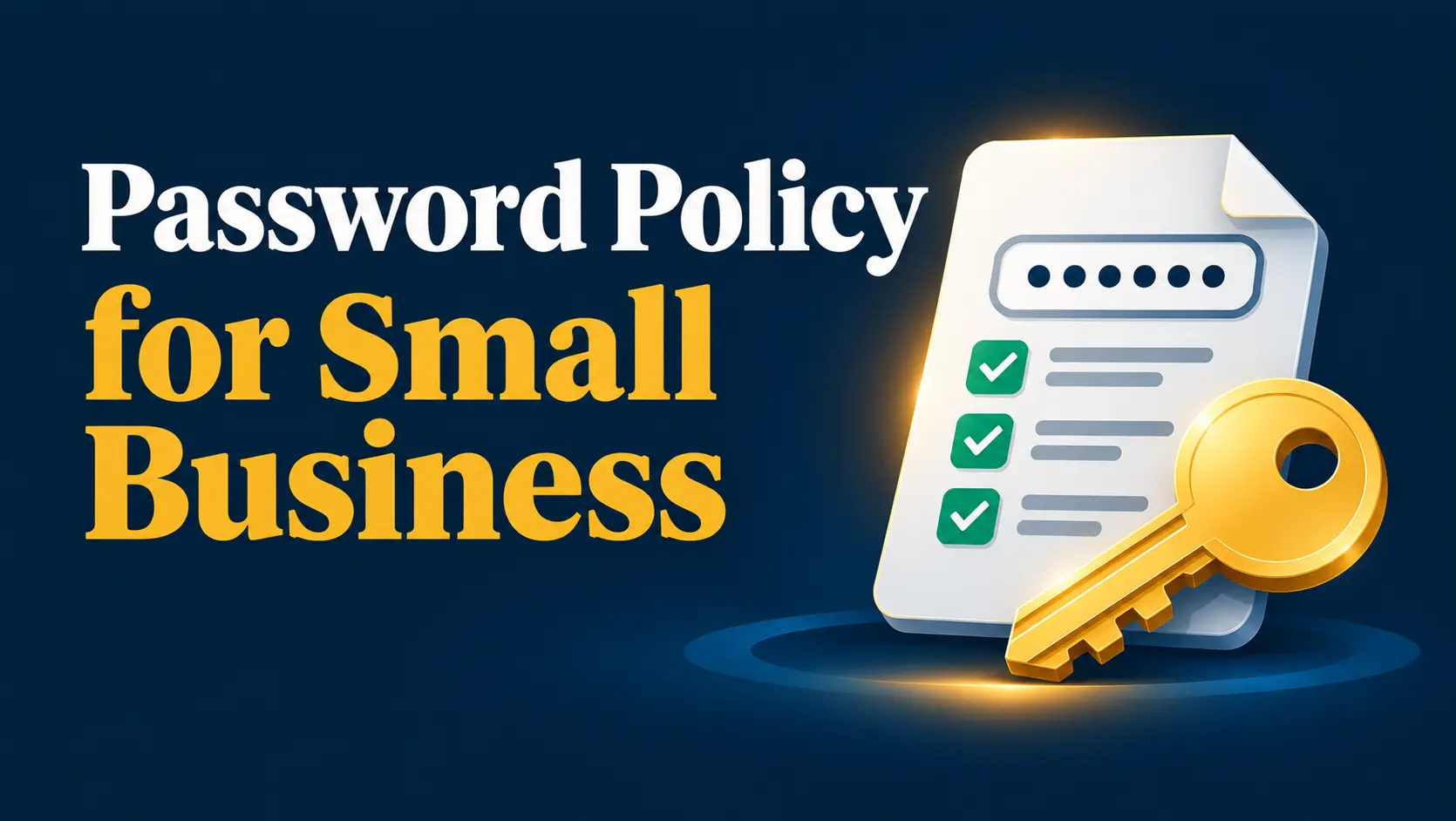
Password policy template
Copy, adapt and have an owner approve it. Our security policy generator can produce a full policy.
- Purpose. This policy protects [Company Name] accounts and data.
- Scope. It applies to all employees, contractors and anyone with access to company systems.
- Length. Passwords for accounts without MFA must be at least 15 characters. Use a passphrase of several unrelated words.
- Uniqueness. Never reuse a password across accounts or use a work password for personal sites.
- Password manager. Staff must store work passwords in the company-approved password manager and use it to generate them.
- MFA. MFA is required on email, admin, finance, remote access and any system holding customer data.
- No composition tricks. We do not require special-character mixes. We do block common, breached or company-related passwords where the system allows.
- Changes. Change a password immediately if it may be exposed; no scheduled rotation unless a system or regulation requires it.
- Sharing. Never share passwords by email or chat. Use shared vaults in the manager.
- Reporting. Report suspected exposure, lost devices or suspicious prompts to [Security Owner] right away.
- Offboarding. Access is removed on the last working day and shared credentials rotated.
- Review. The owner reviews this policy every year.
How do you roll it out?
- Choose a manager: best password manager for business.
- Turn on MFA: what is MFA.
- Check password settings in your email and identity systems.
- Brief the team and add it to onboarding: awareness training.
- Review yearly as part of your security program.
Frequently asked questions
How long should a business password be?
NIST says single-factor passwords should be at least 15 characters. Longer passphrases are better.
Should we force password changes every 90 days?
NIST says periodic changes are prohibited for verifiers; change a password when there is evidence of compromise.
Do we still need special characters?
NIST says systems should not impose composition rules such as mandatory character types.
Are password managers allowed under NIST?
Yes. NIST says verifiers must allow password managers and autofill, and should allow paste.
Is a password policy enough?
No. Pair it with MFA, a password manager and staff training.
Can I use this template as is?
Adapt it to your systems and have it reviewed. It is general information.
Sources
- NIST SP 800-63B-4: Authentication and Authenticator Management (checked Oct 16, 2026)
- CISA: Use strong passwords
SMB Security HQ provides general information, not legal, financial or professional security advice. See our Affiliate Disclosure and How We Test.