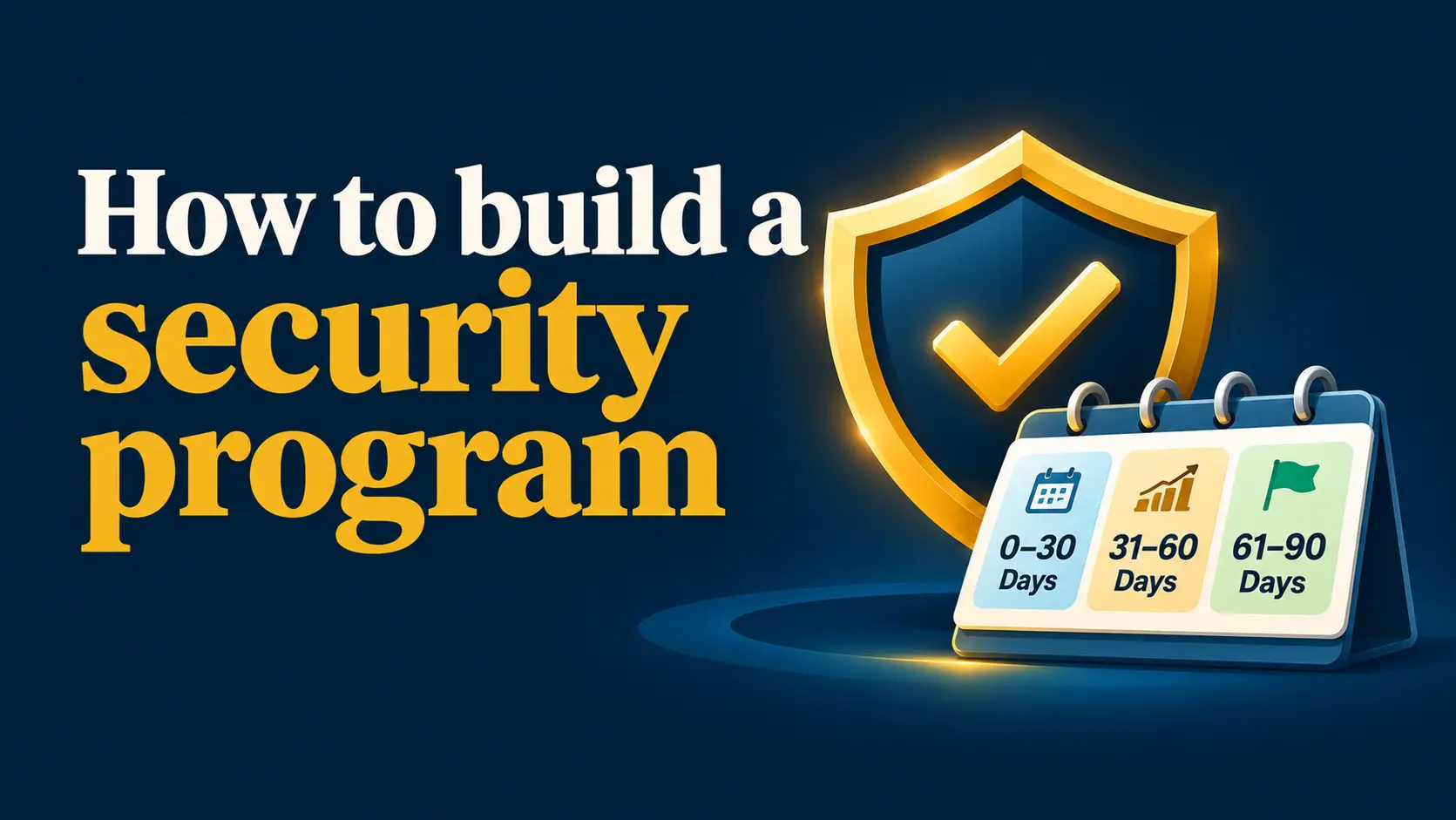


A security program is not a product. It is a set of habits, rules and checks that someone owns and reviews. This guide gives you a 90-day plan you can run with a small team.
Key takeaways
- Start small and finish. Ten controls done beat fifty planned.
- One owner. Without a named person, it will not happen.
- Use NIST CSF 2.0 as the structure; see essential controls.
- Review on a schedule. Quarterly is enough for most small teams.
On this page: Owner · Roadmap · Days 1-30 · Days 31-60 · Days 61-90 · Budget · Measure · FAQ
Who should own the program?
Pick one person with authority, usually the owner, operations lead or office manager, and give them time for it. If you lack in-house skills, add a provider: compare managed security services, the difference between MSP, MSSP, MDR and vCISO, and consulting options. NIST’s guidance for the Govern function is to manage cyber risk alongside other business risks and to communicate and enforce policies.
What does the 90-day plan look like?
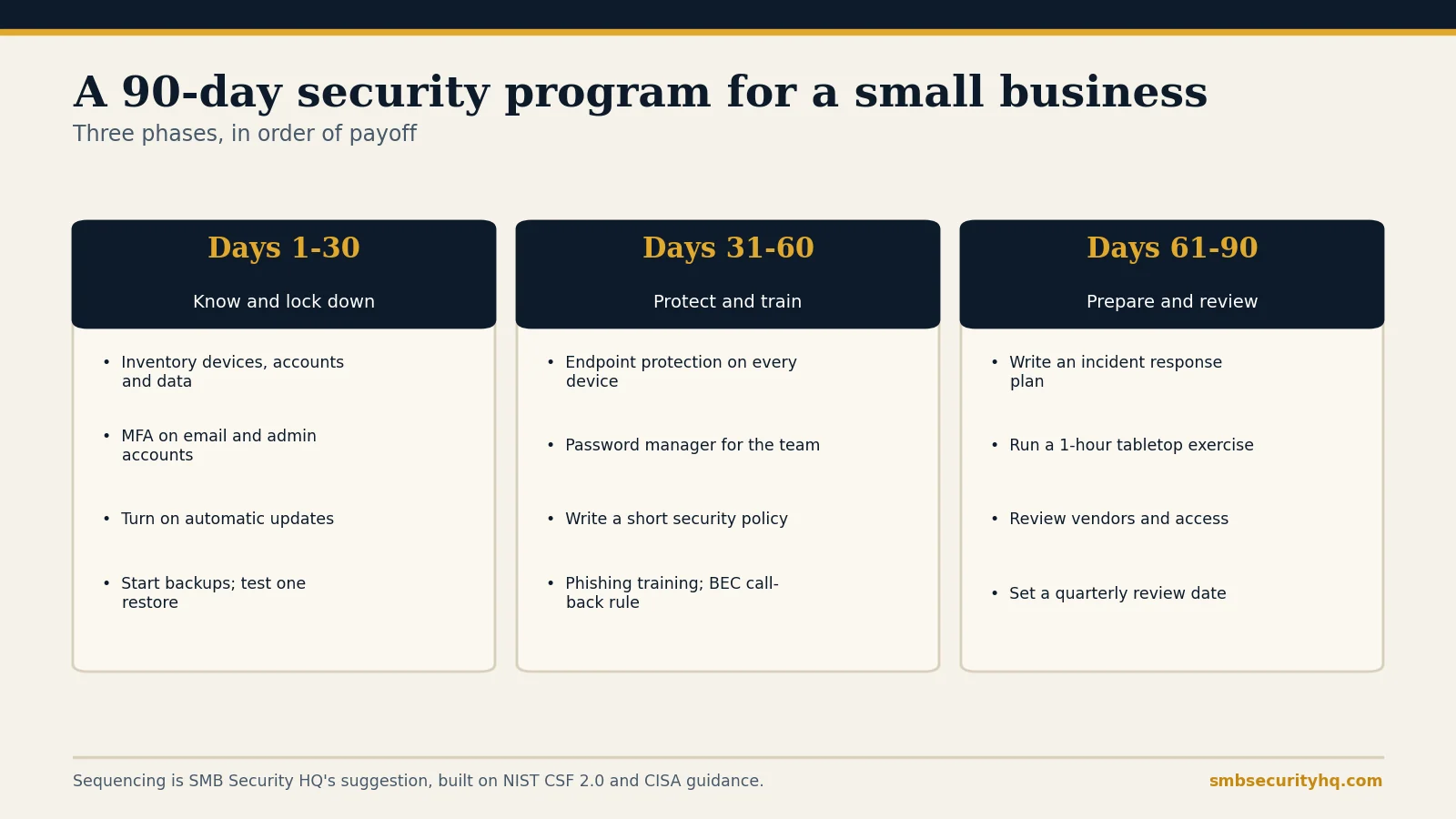
Days 1 to 30: know what you have and lock the front door
- Inventory devices, cloud apps, accounts and where sensitive data lives (NIST: keep an inventory of hardware, software, systems and services).
- MFA on email and admin accounts first: what is MFA.
- Automatic updates on every operating system, browser and app.
- Backups: follow the 3-2-1 rule and test one restore: backup strategy.
Days 31 to 60: protect and train
- Endpoint protection on every business device: antivirus vs EDR vs MDR.
- Password manager for the team: best password manager for business.
- Short written policy: use our policy generator.
- Training and fraud checks: security awareness training and the call-back rule from business email compromise.
Days 61 to 90: prepare and review
- Incident response plan: generate one free and read the first-response playbook.
- Tabletop exercise: an hour, walking through a ransomware or fake-invoice scenario with the people who would be involved.
- Review vendors and access: who can reach your data, and do they need to?
- Check insurance fit: cyber insurance requirements and the readiness check.
- Set the next review date and put it in the calendar.
If you are in a regulated field, map your program to the rules that apply: compliance guide.
What will it cost?
Many steps are free settings. Published list prices give a sense of scale: Microsoft lists Defender for Business at $3 per user per month, Bitwarden Teams at $4 per user per month and Duo Essentials at $3 per user per month (vendor list prices; check current pricing). For a full picture, see how much cybersecurity costs and use our cost estimator.
How do you know it is working?
Track a few simple numbers each quarter: percentage of accounts with MFA, devices with endpoint protection, date of the last successful restore test, staff who completed training, and open access reviews. If any number slips, that is your next task. For grant funding that may help, see cybersecurity grants.
Frequently asked questions
What is a cybersecurity program?
It is the set of people, policies and controls that manage security risk in a business, with an owner and a regular review.
How long does it take to build one?
You can put the basics in place in about 90 days if someone owns it and you start with the highest-payoff controls.
Do I need a full-time security person?
Usually not. Many small businesses combine in-house ownership with an outside provider or a virtual CISO.
What framework should I follow?
NIST CSF 2.0 and its Small Business Quick-Start Guide are a free, practical choice.
How often should I review the program?
Quarterly for access, backups and training, and after any incident or major change.
What should I do first?
Name an owner, build the inventory and turn on MFA for email and admin accounts.
Sources
- NIST SP 1300: CSF 2.0 Small Business Quick-Start Guide
- CISA: Cybersecurity for small and medium businesses
- Vendor list prices: Microsoft Defender for Business, Bitwarden, Duo (checked Oct 2026)
SMB Security HQ provides general information, not legal, financial or professional security advice. See our Affiliate Disclosure and How We Test.