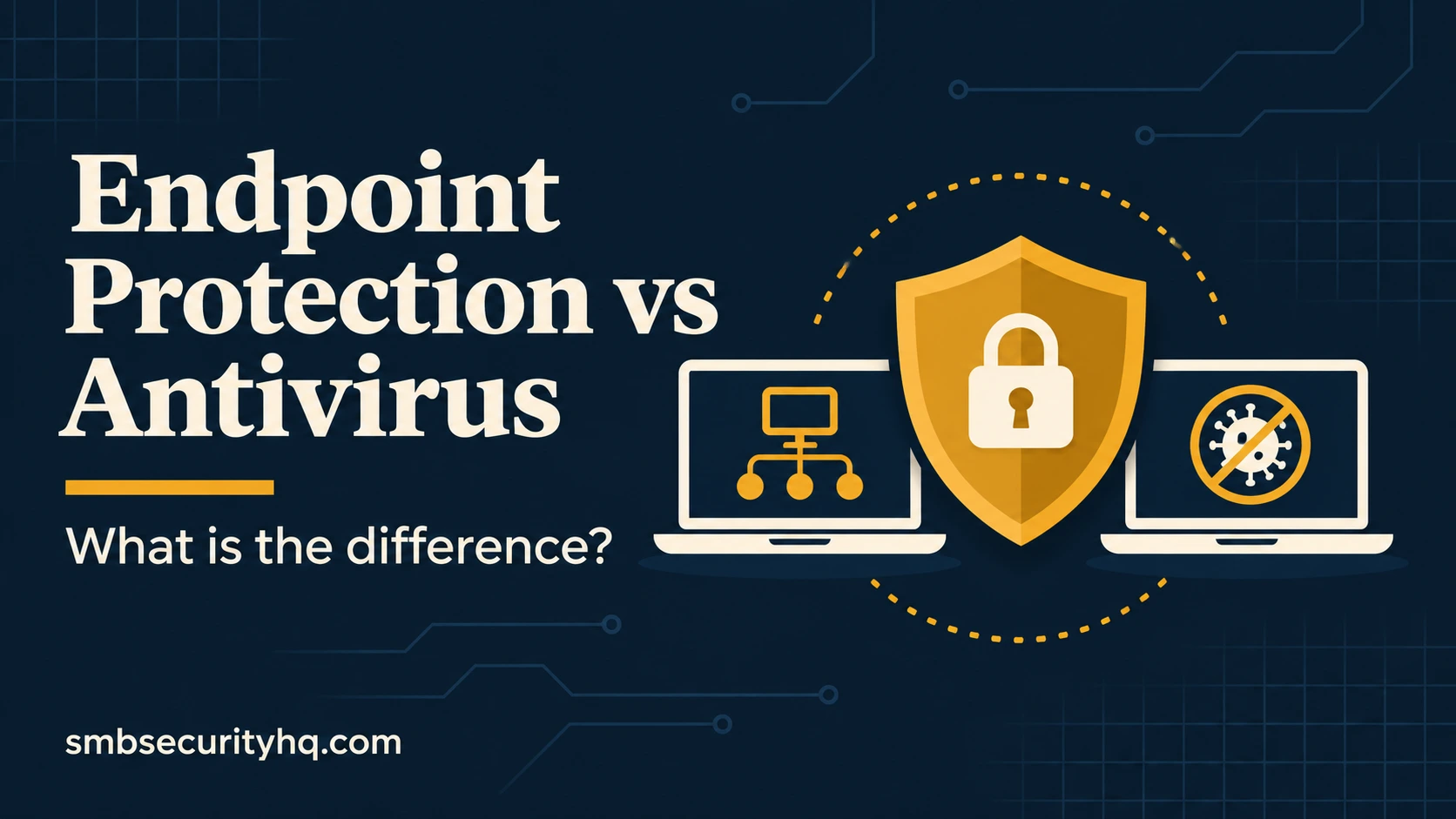

Vendors use “antivirus,” “endpoint protection,” “EDR” and “MDR” as if they were interchangeable. They are not, and the difference decides whether an attack on one laptop becomes an attack on your whole business.
Key takeaways
- Antivirus is the floor, not the ceiling. It focuses on known threats.
- EDR sees behavior. It records what happens on a device so threats can be caught and contained.
- Someone has to act. EDR without anyone watching alerts is a smoke detector in an empty building; MDR solves that.
- Do not run two full products. Overlapping security software can conflict.
On this page: Definitions · Compared · Is antivirus enough? · Choose · Cost · Rollout · FAQ
What do these terms mean?
- Antivirus (AV) detects and blocks known malware, usually by matching files and behavior against known threats.
- Endpoint protection platform (EPP) is the broader suite. CrowdStrike describes an EPP as a combination of technologies such as antivirus, next-gen antivirus, encryption, data loss prevention, threat intelligence and EDR.
- EDR (endpoint detection and response) continuously monitors devices. It records activity such as process creation, registry changes and network connections, analyzes it for suspicious sequences and supports containment, such as isolating a device from the network, and investigation. CrowdStrike contrasts this with antivirus, which it says focuses on known threats.
- MDR (managed detection and response) combines the technology with human analysts who watch alerts, investigate and respond. See MSP vs MSSP vs MDR vs vCISO.
The EPP and EDR descriptions here come from a vendor that sells these products, so read them as one side’s definitions.
Endpoint protection vs antivirus vs EDR vs MDR

| Antivirus | EDR | MDR | |
|---|---|---|---|
| Main job | Block known malware | Detect suspicious behavior and let you respond | Detect and respond for you |
| Finds unknown threats? | Limited | Yes, through behavior | Yes, with analysts |
| Records device activity? | Usually not | Yes | Yes |
| Can isolate a device? | Rarely | Yes | Yes, done by the provider |
| Who acts on alerts? | You | You or your IT team | The provider’s analysts |
| Best when | Very low risk, low budget | You have someone to respond | Nobody on your team can respond |
Is antivirus enough for a small business?
For a business holding customer data, money or health or financial records, usually not on its own. Verizon’s 2026 report found that exploiting a vulnerability was the most common way in, at 31% of breaches, and an attack that uses a flaw or a valid login may not look like known malware. Antivirus is still useful as one layer, and some built-in options are decent baselines, but a business with insurance or compliance obligations should plan for EDR, and for MDR if nobody can respond at night. Our editorial view: if you have no IT person, buy the version with people attached.
How do you choose?
- Who responds? If nobody, choose MDR or a managed EDR service.
- What does your insurer ask? Many applications ask about EDR or MDR: cyber insurance requirements.
- What devices? Windows, Mac, phones and servers.
- What is the real price, including minimums and who sells it? Published prices are in best EDR for small business.
- Can you trial it on a few devices first?
What does it cost?
Published list prices (Oct 2026): Microsoft lists Defender for Business, which includes EDR, at $3 per user a month; CrowdStrike lists Falcon Go at $59.99 per device a year; Huntress lists managed EDR at $8.99 per endpoint a month. Other providers’ MDR ranges are in small business cyber security services. Full-budget context is in what cybersecurity costs.
How do you roll it out?
- Inventory every computer and server first.
- Remove or turn off the old product only if the new one tells you to; avoid running two full suites.
- Deploy to a pilot group, then everyone.
- Decide who receives alerts and what they must do within an hour.
- Test: ask your provider to run a harmless test detection.
- Keep devices patched and encrypted: 12-step checklist.
Frequently asked questions
What is the difference between endpoint protection and antivirus?
Antivirus blocks known malware. Endpoint protection is the broader suite that includes antivirus and other protections, often with EDR.
What is the difference between antivirus and EDR?
Antivirus focuses on known threats; EDR records device activity, detects suspicious behavior and lets someone investigate and contain it.
Is EDR the same as MDR?
No. EDR is the software. MDR adds a team that monitors it and responds.
Do I need both antivirus and EDR?
Usually not. Many EDR products include antivirus-style protection. Running two full products can cause conflicts, but some managed tools are built to run alongside existing antivirus, so follow your vendor’s guidance.
Is Windows Defender enough for a business?
Microsoft Defender Antivirus is a baseline. Microsoft sells Defender for Business, which adds EDR, at $3 per user a month, according to its pricing page. Whether either is enough depends on whether someone will respond to alerts.
Do cyber insurers require EDR?
Many applications ask about it. See our insurance requirements guide.
Sources
- CrowdStrike: What is EDR; CrowdStrike: What is an EPP (vendor)
- Microsoft: Security pricing for small and medium business (checked Oct 9, 2026)
- CrowdStrike: Falcon pricing; Huntress: Pricing
- CyberMark: Managed Detection and Response Cost in 2026; Kapacyber: MSSP for Small Business
Definitions and prices come from vendors and providers that sell these products and are not independent. We have not hands-on tested these products. SMB Security HQ provides general information, not professional security advice. See our Affiliate Disclosure and How We Test.