
A backup you have never restored is a hope, not a plan. Ransomware, a failed laptop, a deleted folder and a mistaken sync all end the same way: you either have a clean copy or you do not. This guide shows a simple strategy a business with no IT team can run.
Key takeaways
- 3-2-1 is the baseline. CISA gives the rule as three copies, two media types, one off-site.
- Ransomware hunts backups. Keep one copy attackers cannot reach: offline or immutable.
- Test restores. Backups can fail or corrupt without warning, and a restore is the only proof.
- Microsoft 365 and Google Workspace are not full backups, according to the U.S. Chamber of Commerce guidance cited below; check what your plan retains.
On this page: 3-2-1 · Ransomware upgrade · What to back up · How often · Testing · Cloud suites · Setup · FAQ
What is the 3-2-1 backup rule?
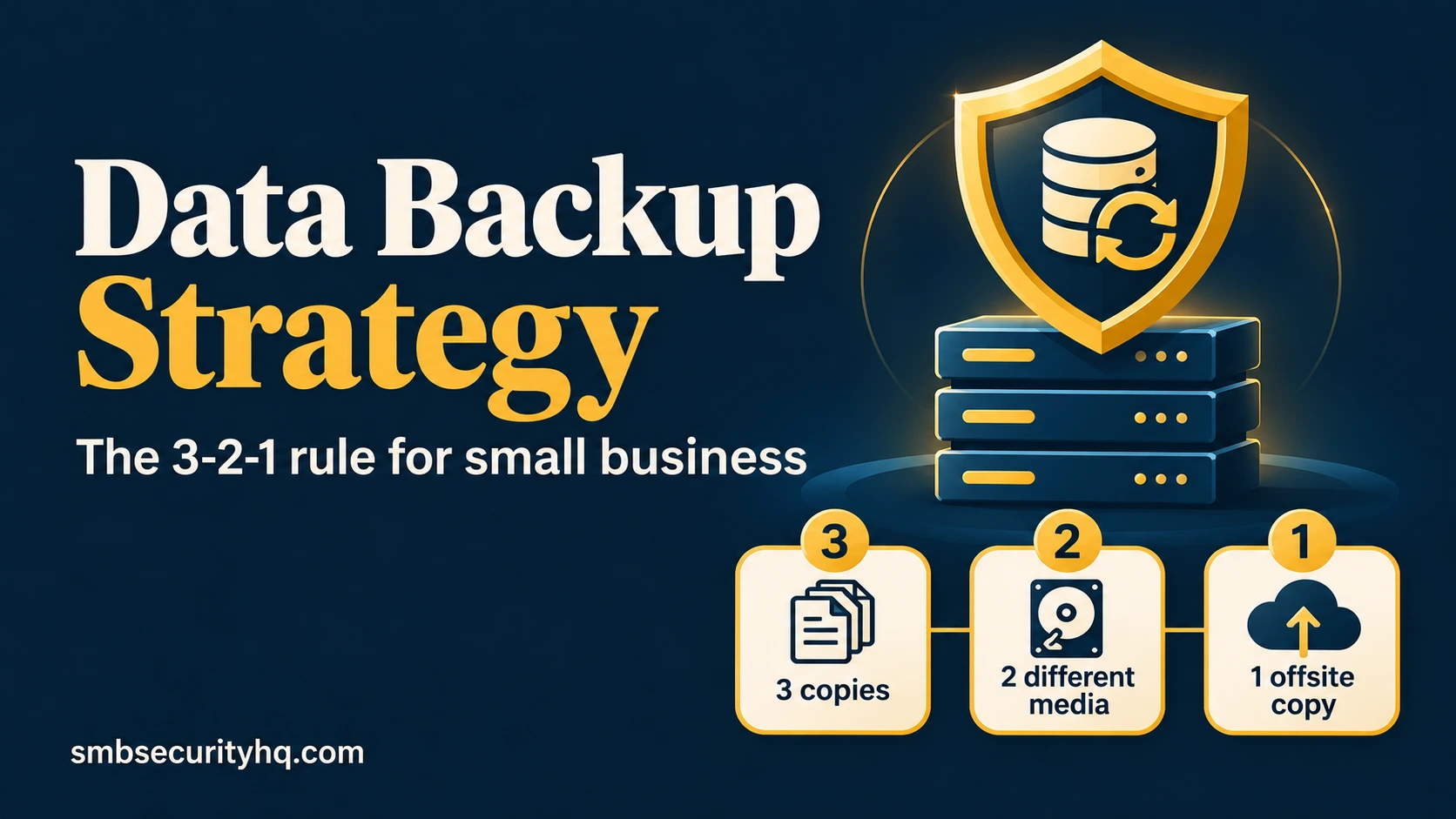
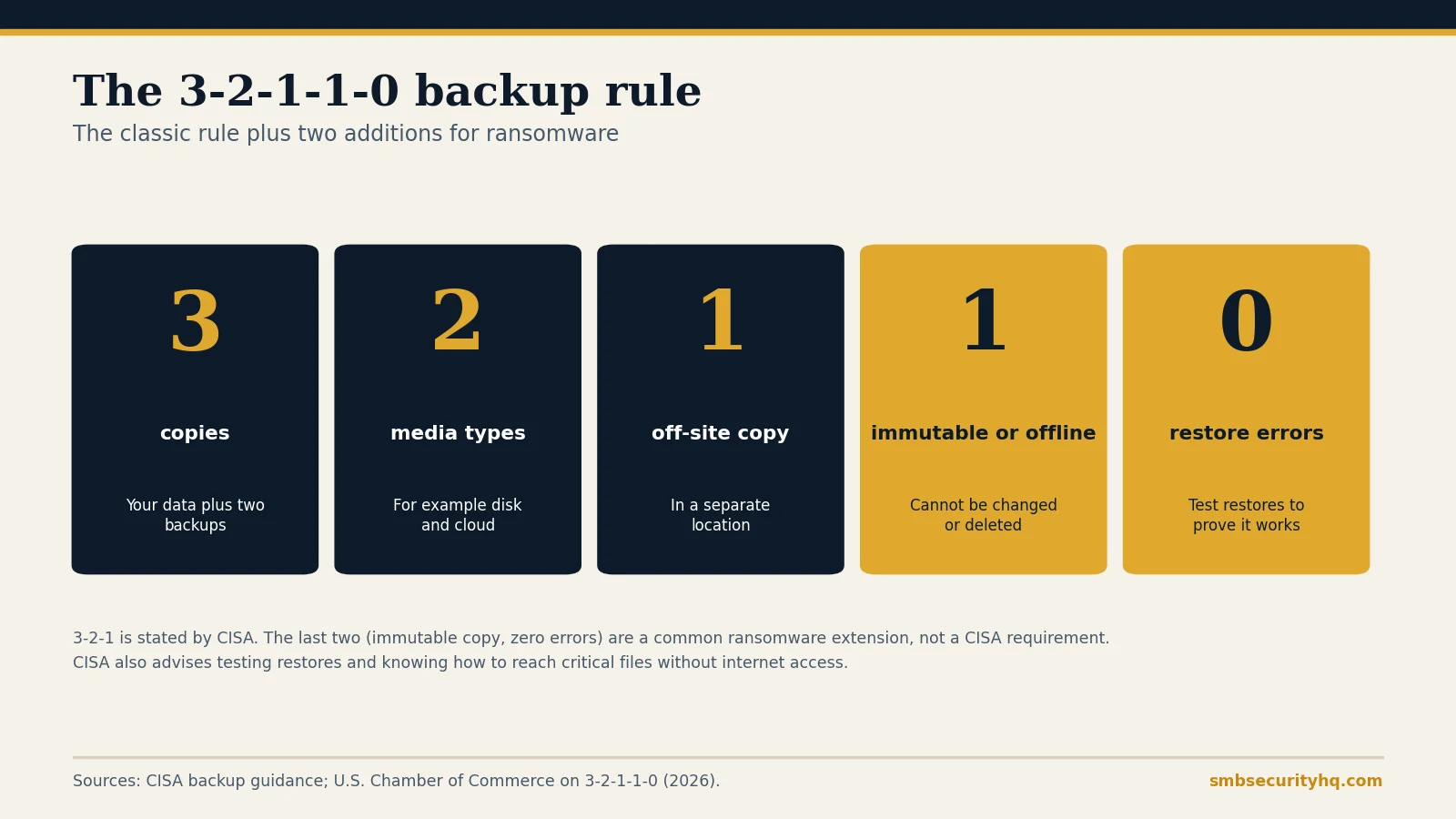
CISA’s guidance says to keep 3 copies of important files, on 2 different types of storage media, with 1 copy stored off-site, for example a hard drive and the cloud. The three copies are the original plus two backups.
What is 3-2-1-1-0, and why does ransomware change the rule?
Ransomware attackers look for your backups and encrypt or delete them first. The U.S. Chamber of Commerce describes the 3-2-1-1-0 extension: one extra copy that is immutable (it cannot be changed or deleted by unauthorized users, for example with cloud object lock or write-once storage, or an offline copy disconnected from the internet), and 0 errors, meaning you validate backups and restores so you can recover within the time you need. CISA’s guidance also lists protections such as physical security, encryption and offline copies, and says to know how to reach critical files without an internet connection.
What should you back up?
Start from what the business cannot run without:
- Accounting and payroll data, customer records and contracts
- Email, calendars and shared files
- Shared drives, line-of-business apps and databases
- Website files and databases
- Laptops of staff who keep work only on their device
- Configuration of servers, routers and firewalls
Skip nothing that would stop the business if lost. Our 12-step checklist includes a step to identify critical assets first.
How often should you back up, and for how long?
CISA says to use a solution that runs automatically and regularly, and gives no fixed interval. A practical rule: back up as often as you can afford to lose data, which is daily for most small businesses, and more often for busy transaction systems. Keep older versions as well as the latest: the U.S. Chamber suggests at least 90 days of history, because malware can sit hidden for weeks and a 30-day default may only contain infected copies. CISA also advises confirming you can roll data back at least seven days.
How do you test a restore?
- Pick a schedule. The U.S. Chamber recommends practicing at least quarterly.
- Restore a few files to a different location and open them.
- Once or twice a year, restore a whole system or a full dataset and time it.
- Write down the result: date, what you restored, how long it took, who did it.
- Fix anything that failed and test again.
CISA advises testing both full and partial restores so staff know the procedure.
Does Microsoft 365 or Google Workspace back up your data?
Not completely. The U.S. Chamber notes that productivity suites support retention but are not full, immutable backups. Deleted items can be recoverable for a limited time, and a compromised admin account can delete a lot at once. Check your plan’s retention settings and consider a separate backup of email and files. Keep backup logins separate from daily logins and protect them with MFA: what MFA is.
How do you set up a simple strategy?
- Copy 1: your working data on the computer or server.
- Copy 2: an automatic cloud backup service with versioning, ideally with immutability enabled.
- Copy 3: an external drive or network device used for periodic backups, disconnected or isolated afterwards, kept in a different location from the originals.
- Encrypt backups, limit who can delete them and use separate credentials.
- Document the restore steps in your incident response plan.
- Schedule the test in the calendar.
Backup software prices and options are covered in best cloud backup for small business. For ransomware specifically, see ransomware protection. Insurers ask about backups: cyber insurance requirements.
Frequently asked questions
What is the 3-2-1 backup rule?
Keep three copies of your data, on two different types of storage, with one copy off-site.
What is 3-2-1-1-0?
The 3-2-1 rule plus one immutable or offline copy and zero errors on restore tests. It is a common ransomware-focused extension.
How often should a small business back up?
Automatically, and as often as you can afford to lose data. Daily is common. Keep at least 90 days of history if you can.
How often should I test my backups?
At least quarterly, with a full restore at least once a year, and after any major change.
Is cloud storage the same as a backup?
No. Syncing files to the cloud copies deletions and corruption too. A backup keeps separate, versioned copies you can roll back.
Are Microsoft 365 and Google Workspace backups?
They offer retention, but they are not full, immutable backups. Check retention settings and consider separate backup.
Sources
- CISA: Back up government data (3-2-1 rule, testing)
- U.S. Chamber of Commerce: How to implement the 3-2-1 backup rule for cloud data
SMB Security HQ provides general information, not professional IT or security advice. See our Affiliate Disclosure and How We Test.